A message of your own
Enter up to 12 characters, such as RIDE ON. Switch scrolling text on to let your message move across the panel.
THE DISPLAY, EXPLAINED.
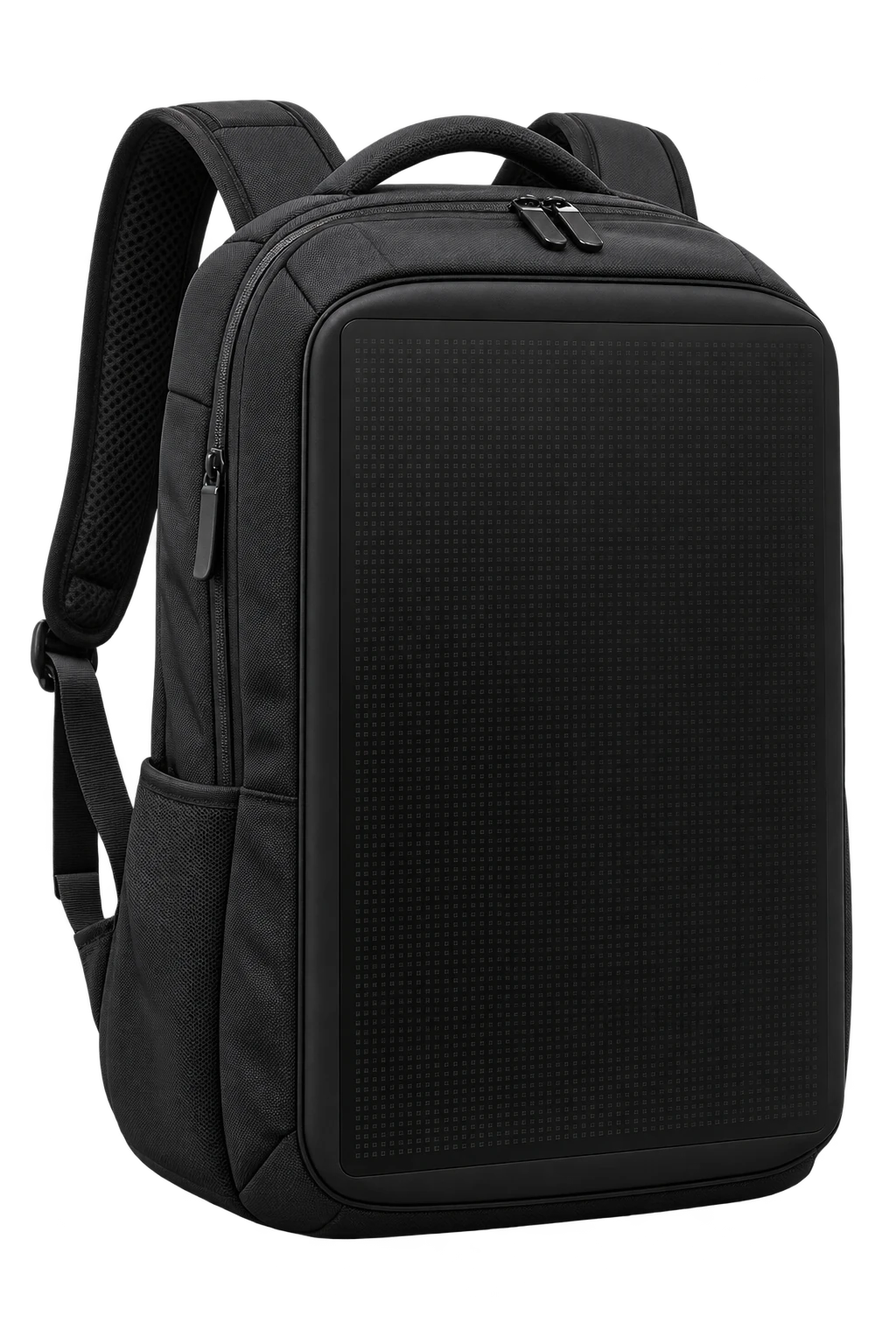
A programmable LED backpack turns a panel of lights into your own text, numbers or pixel art. The motobackpack motorcycle backpack concept lets you explore those ideas in an interactive app preview.
Try the LED backpack demoConcept preview · Product details coming soon
START HERE
This simulation runs in your browser. You can try it without installing an app, creating an account or pairing a device.
MAKE IT YOURS
The browser demo updates the backpack as you use the phone controls. Change the LED color and switch between these display ideas:
Enter up to 12 characters, such as RIDE ON. Switch scrolling text on to let your message move across the panel.
Choose an icon or draw pixel art by tapping and dragging. Tap a lit square again to erase it, or clear the canvas and start over.
Start at 67 km/h and adjust the sample speed. The Time tab shows your device’s local time and keeps it up to date.
Try the Spotify mockup button to display Nightcall by Kavinsky with animated equalizer bars. This is a visual sample without sign-in or audio.
MORE ROOM FOR YOUR IDEAS
In Draw mode, turn on Expand display to use a 16 × 28 grid across the whole backpack panel. The compact view shows 16 × 10 pixels in the middle.
Switching back to compact keeps the rest of your drawing. On a keyboard, use the arrow keys to move between pixels and Space to turn a pixel on or off.
Open the drawing controls ↗CHOOSE FOR YOUR NEEDS
Along with the display design, check how each backpack is powered, connected and carried. Use these questions to compare models:
| Area | What to check |
|---|---|
| Display and content | What are the panel dimensions and resolution? Can it show your text, drawings, images or animations? Is brightness adjustable? |
| App and phone | Which app is required? Does it support your version of Android or iOS, and which permissions does it need? Does it connect through Bluetooth, Wi-Fi or another method? |
| Power | Does it use a built-in battery or an external power bank? Is the battery included, and how long does the display run at your chosen brightness? |
| Storage and comfort | What are its capacity, weight and internal dimensions? Will your laptop or helmet fit, and can you adjust the shoulder straps? |
| Rain protection | Does the manufacturer specify water-resistance conditions for the bag, display and connectors? How should you clean and maintain it? |
| Price and delivery | What is the total price, what comes in the package, and is delivery available to your location? Check warranty, support and return terms as well. |
motobackpack pricing, delivery and confirmed hardware specifications have not been announced. You can explore display ideas here through the simulation. Learn more about the motobackpack concept.
A FEW THINGS TO KNOW
It is an interactive website simulation of the proposed app. You can use it on a phone or computer to try the LED display, but it does not connect to a physical backpack or install an app.
No. The button animates sample acceleration and deceleration locally. The demo never requests location permission, and the displayed speed is not a measurement of your movement.
The current demo keeps your changes only while the page is open. Reloading resets them. The Spotify button shows a sample track; it does not access your account, stream music or save a playlist.
Not yet. The collection is a concept preview, and orders are not available. Pricing, release dates, battery life, weather resistance, capacity and final hardware specifications have not been announced. The grid in this demo illustrates drawing controls, not a confirmed hardware resolution.
Check the specific product’s display dimensions, supported content, phone compatibility, power requirements, carrying capacity and weather protection. A rendered preview cannot establish those specifications. For motobackpack, use this demo to explore display ideas and wait for confirmed product details before making a purchase decision.